
Download PolarClock – time tracking, clock app, productivity tool, task management, daily planner
Overview
PolarClock is a streamlined mobile application designed to support time management and task organization for individuals seeking a focused, distraction-free environment. Positioned within the Productivity category, the app aims to help users track time effectively, manage daily tasks, and maintain a structured workflow. Its core purpose lies in simplifying the process of monitoring how time is spent, making it particularly useful for students, remote workers, freelancers, and professionals managing multiple projects. By integrating time tracking with task planning, PolarClock enables users to gain clarity on their daily routines and improve efficiency through better time allocation.
The app is developed by PolarSoft, a company that has not provided public details about its background or prior projects. As such, its development philosophy or track record remains undisclosed. However, the app’s minimalistic design and targeted functionality suggest a focus on usability and performance. Real-world applications include scheduling study sessions, monitoring work hours for freelancers, or structuring daily routines for personal productivity. In the broader app ecosystem, PolarClock fills a niche for lightweight, no-frills tools that prioritize functionality over flashy features, offering a practical alternative to more complex time management platforms.
Key Features & Functionality
- Time Tracking Engine: PolarClock allows users to start and stop timers for individual tasks, automatically recording duration and categorizing entries. This feature supports accurate logging of time spent on specific activities, which can be reviewed later for insights.
- Task Management Integration: Tasks can be created, assigned, and marked as complete within the app. Each task is linked to a timer, enabling users to see how much time was dedicated to achieving it.
- Daily Planner Interface: The app features a clean daily view that displays scheduled tasks alongside active timers, helping users visualize their day’s workload and progress.
- Progress Reports: At the end of the day or week, users can access summary reports showing time spent per task and overall productivity trends, aiding in self-assessment and planning.
- Customizable Timer Alerts: Users can set optional alerts to signal the start or end of a task, helping maintain focus and reduce the risk of time mismanagement.
For example, a student preparing for exams might use PolarClock to allocate 90-minute study blocks, track actual time spent, and review weekly reports to identify inefficient study patterns. Similarly, a freelance designer could log hours per client project, ensuring accurate billing and workload balance. These use cases highlight how the app’s features translate into tangible benefits, supporting better decision-making and time discipline.
Interface, UX & Performance
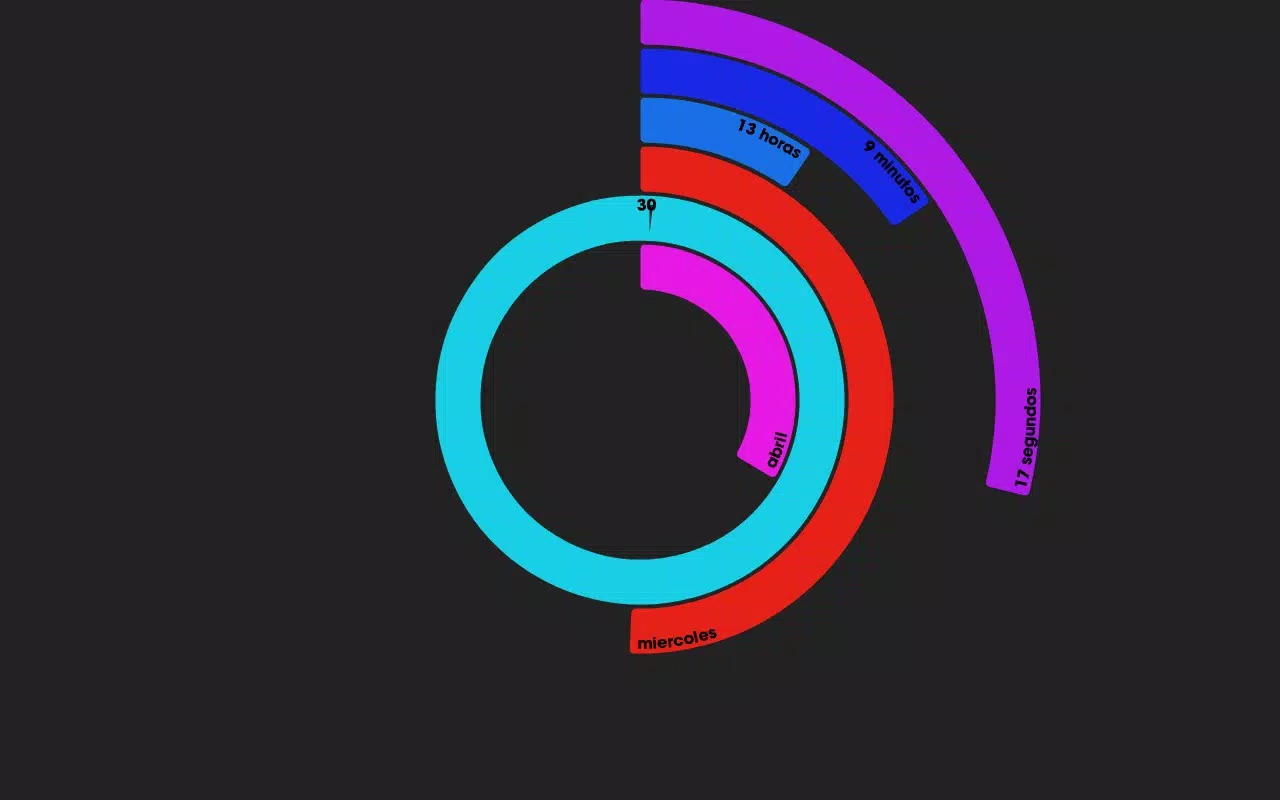
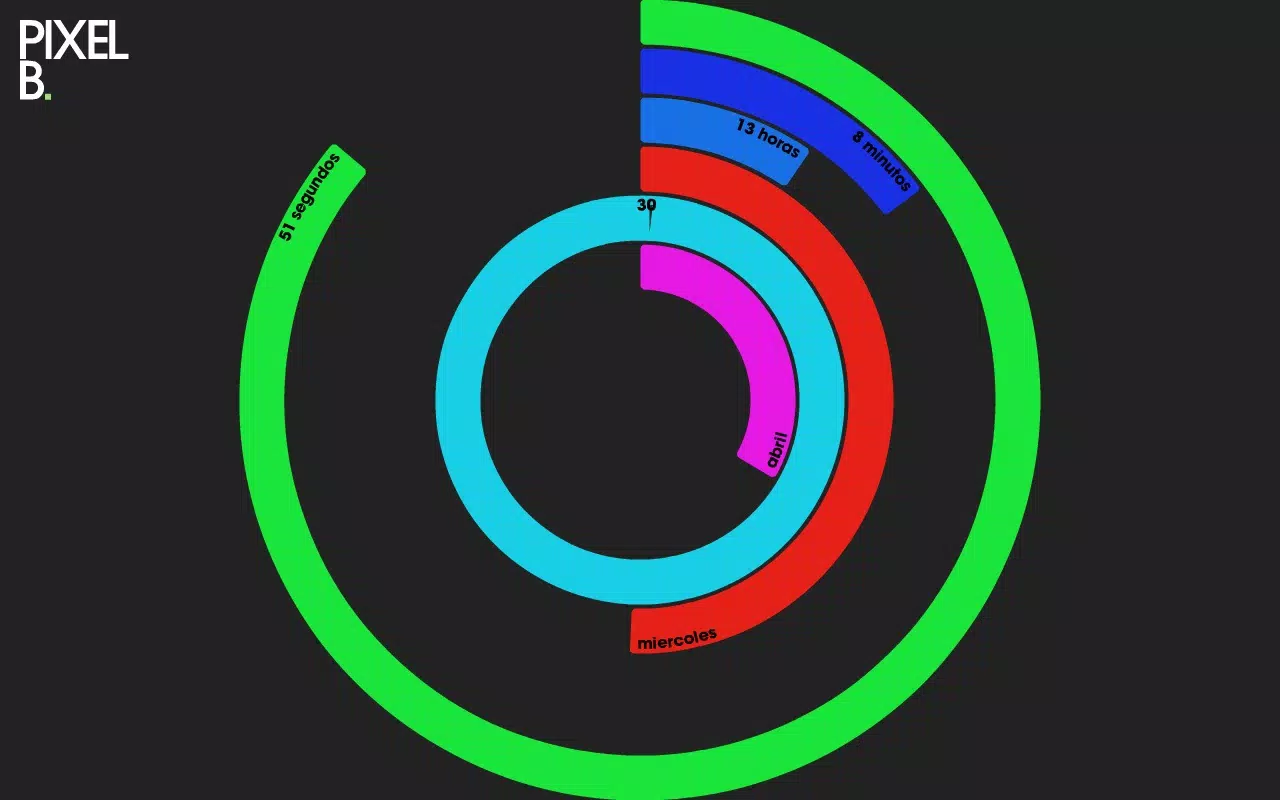
PolarClock presents a minimalistic user interface centered around clarity and ease of use. The layout prioritizes essential functions—starting a timer, viewing active tasks, and accessing reports—ensuring that users can navigate the app without confusion. The visual style is clean, with muted colors and legible typography, reducing visual fatigue during extended use. Navigation is linear and intuitive, with a bottom menu bar providing quick access to the main sections: Today, Tasks, and Reports.
Although the developer did not list formal performance metrics, the app’s small file size of 12.4 MB suggests efficient resource usage. It is expected to operate smoothly on a wide range of Android devices, including mid-tier and older models. Responsiveness appears consistent across screen sizes, with layouts adapting fluidly to different display dimensions. Stability during prolonged use has not been publicly documented, but the absence of complex animations or background processes implies a low risk of crashes or lag. Users should experience minimal delays when starting or pausing timers, a critical factor for a time-tracking tool.
Platform Compatibility & Technical Requirements
PolarClock is available exclusively on the Android platform. The current version is 1.0.0, with a file size of 12.4 MB. Specific OS version requirements were not listed by the developer, and compatibility with older Android versions remains unspecified. Users are advised to ensure their device meets the minimum system requirements set by their device manufacturer. The app does not require special permissions beyond basic access to time and storage, which is typical for productivity tools of this nature.
Pros and Cons
Pros
- Lightweight design with minimal storage footprint (12.4 MB).
- Intuitive interface focused on core productivity tasks.
- Seamless integration between time tracking and task management.
- Free to download and use with no in-app purchases.
- Simple, distraction-free experience ideal for focused work.
Cons
- Developer did not disclose minimum OS requirements or compatibility details.
- Limited reporting features beyond basic daily and weekly summaries.
- No cloud sync or cross-device access available at launch.
- Platform restricted to Android; no iOS version announced.
- Basic alert system without customizable notification types.
FAQ
Is PolarClock safe to install on Android?
PolarClock is a free app developed by PolarSoft and distributed through official Android channels. It does not require excessive permissions and operates within standard app security guidelines. Users should download from trusted sources to ensure integrity.
Can I use PolarClock without an internet connection?
Yes. The app functions fully offline. Time tracking, task creation, and report generation occur locally on the device, making it suitable for use in environments without internet access.
Does PolarClock support multiple users or profiles?
As of version 1.0.0, the app does not include multi-user or profile support. All data is stored locally under a single user account.
How often are updates released for PolarClock?
The developer has not provided a public update schedule. Users are encouraged to check for updates through the app store to ensure they have the latest version.
Is there a way to export my time logs or reports?
Currently, no export functionality is available. All data remains stored locally on the device and cannot be transferred to external platforms.
Final Thoughts
PolarClock delivers a focused, no-nonsense approach to time tracking and task management. Its lightweight design, intuitive interface, and seamless integration of timers with task lists make it a valuable tool for anyone aiming to improve daily productivity. While it lacks advanced features like cloud synchronization or multi-device support, its simplicity is its strength—offering a reliable, distraction-free environment for managing time and tasks.
Students, freelancers, remote workers, and professionals seeking a straightforward productivity companion will find PolarClock particularly beneficial. The app’s free availability and minimal system demands further enhance its accessibility. For users who value clarity over complexity, this app provides a solid foundation for better time discipline.
Download PolarClock now


